Sunday, February 6, 2011

All a Twitter


During the upcoming district day, February 18th, I want to try to leverage Twitter as a back channel for the numerous PD sessions we have going on. We all cannot be in every session, but by using Twitter to share what is going on we get a glimpse inside another session.


Come learn to Tweet! Wednesday Feb 16th from 3:45 - 4:30 in Elluminate <-- Click here to enter the virtual room, try it out!


Tweet! The day of the district day (Feb 18th) using #pwsd


Sweeten the Deal! Every PWSD staff that tweets on the district day will be entered in a draw for some fabulous prizes! (One is an HD Flip Camera)


What do you think? Take a look here http://ecommunity.pwsd76.ab.ca/course/view.php?id=497 for additional resources and a discussion forum!

Thursday, February 3, 2011

Introducing PWSD's Community of Practice

Another little project!

From September 2006 until August 2010 Alberta Education ran a research project around 1-1 laptops.  When this research project ended Alberta Education had another call for proposals to create a Community of Practice to extend the 1-1 project.  Peace Wapiti is practicipating in this project with Division 3 teachers around 21st Century Skill development.  You can see the entire proposal here.

For this project we have 24 Peace Wapiti  Division 3 teachers that are using the TPACK model to inform effective instruction around the integration of technology.  These teachers have committed to three face to face meetings, one collaboration day of choice, sharing their resources on Ecommunity and reflecting on the Community of Practice Blog.

Please drop by the blog and see what we have been up to!

I *heart* Sir Ken Robinson

I was introduced first to Sir Ken Robinson with his TED Talk "Do Schools Killing Creativity?"


The line that I frequently refer to in this talk is about William Shakespeare.  It speaks to me and helped change my assessment practices.  1.9 million views can't be wrong, although I am likely about 70 of them!

Next was his Book "The Element: How finding your passion changes everything"  I will be honest, I didn't read it but listened to it on a trip to and from Banff.  Sir Ken narrates the book and has a delightful English accent!  I consider myself very lucky, I think most educators do, in that I have found my passion in teaching and learning.  For myself leveraging technology for teaching and learning has added that extra layer for me and has truly changed everything.


Finally was Changing Educational Paradigms

This was the why piece for changes to education, and if you have been in any of my sessions lately you have probably seen it. 

I am very fortunate to be going to Red Deer next week to listen to Sir Ken speak in person. 
http://www.youblisher.com/p/82347-Sir-Ken-Robinson-A-Public-Dialogue/
Stay tuned for a follow-up after this event!

Wednesday, January 26, 2011

Audio Tools

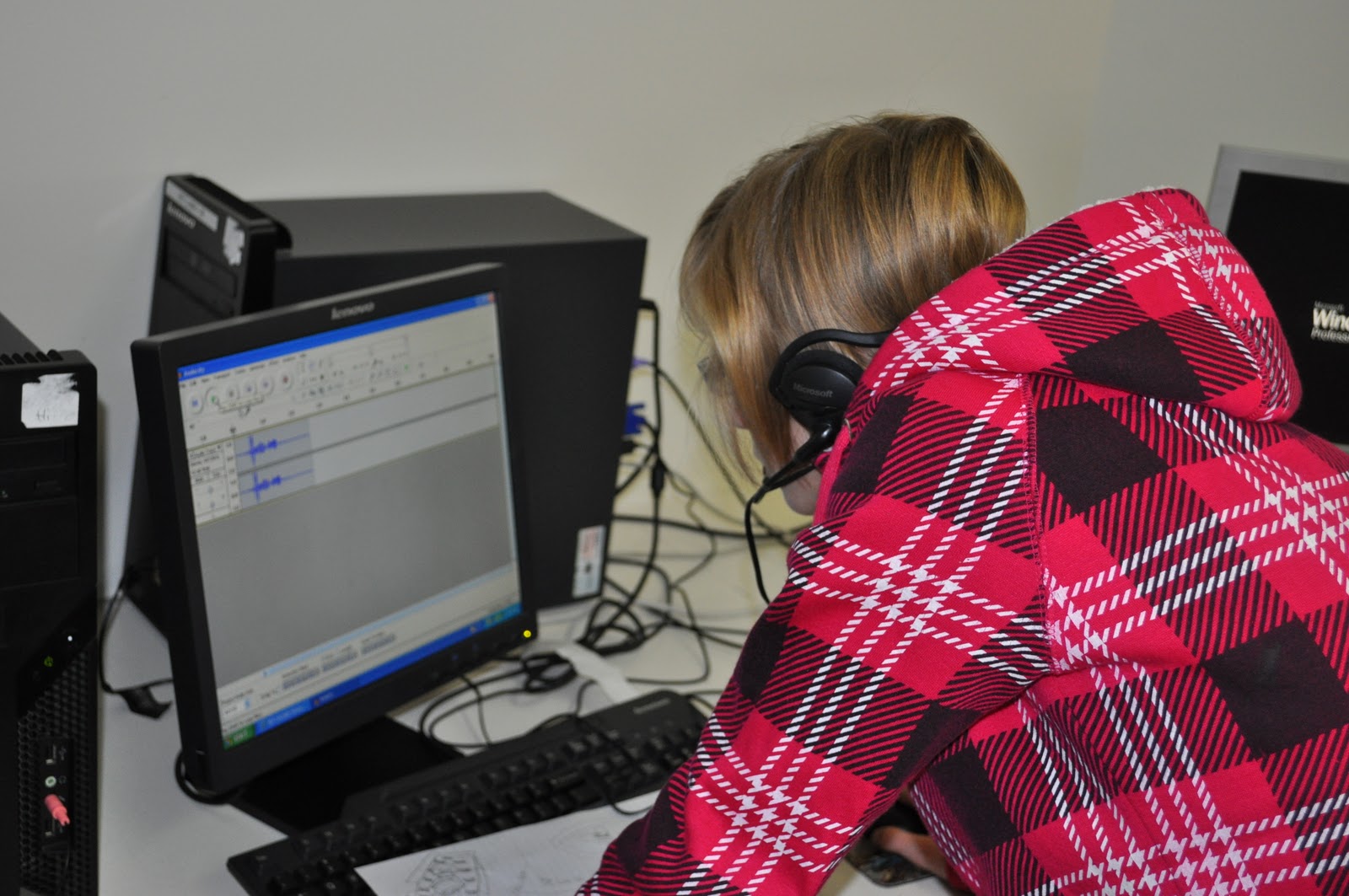
Audacity is a tool that I have had in my toolkits for a couple of years. While I use it occasionally, I tend to set my students loose on it much more frequently. Uses include an interview tool, oral response and most recently to have elementary aged children reading books. The book reading is serving two purposes: a digital repository of books for "listening to reading" and a part of that child's e-portfolio. (If you work in PWSD, Audacity is supported software)


I will say that alongside Audacity I also use other free web 2.0 tools for audio. Some that I have found success with have been:


Voki
Babberize Me


Vocaroo Link

Student Digital Citizenship Symposium

This was a first for me.  I have used elluminate to join online PD sessions with over 300 teachers in them, but I have never done it with students.

The event was organized by Brenda Dyck with the Calgary Regional Learning Consortium.  Physically the event was hosted at the Calgary School for Girls but the virtual attendants included classrooms from around Alberta and the United States.  The topic, what does citizenry look like in a digital world?

The days started with a 90 minute panel discussion.  Members of the panel varied from the Mayor of Calgary to bloggers who have published books to students from the Calgary School for Girls. All facilitated by Dr. Alec Couros.

We had 3 students computers set up so that the students could add questions to the elluminate chat room. While the panel was excellent, watching a screen with a voice over made the students fairly restless.  At the first nutrition break we broke out the lap tops and set up Today's Meet for our own back channel. 

With our 15 laptops, student ipods and the open wireless, every student had a device and the change in engagement was amazing. (You can see the entire transcript of our back channel here)

The remainder of the day was broke into short presentations, a question for the class to discuss and post on a Google Doc and then back channel.  There were some great comments on what should be public and what should remain private, how easy it is to find information on the Internet and a number of ah-ha moments on the long term effects of sharing too much.  Our Google Doc can be found here.


To sum up the day students were asked to blog about what they learned at the Student Digital Citizenship Symposium. Being only their second time blogging, they would love some comments.  To add to the excitement of the day, students were sent home early because of inclement weather.  It was a crazy day.


Special thanks to Sandi Busch and her wonder 7A ELA class at Hythe Regional School.  A big thanks to Brenda Dyck with the Calgary Regional Consortium who let us in on this very interesting opportunity.  We are hoping that we can hold a Student Digital Citizenship Symposium - Northern Edition, in the near future.

Sunday, January 16, 2011

Collaborative Learning Tools

In a meeting last week with Alberta Education Edna Dach shared with us a list of collaboration tools.  You can find the entire document here, but I wanted to highlight a few that I have used and love. 

Each example has one for you to play with, so click through and add your ideas!


Titan Pad or Type With Me or Meeting Words

Try it out here http://titanpad.com/24GQNCwXRh
What it does: No sign up for teachers or students.  Once you create the free document you get a unique web address that can be posted in Moodle or on your website.  Students pick a colour and start typing.  You can use the time slider in the top right to see the entire process.

How could you use it: I have used this to have students create and revise powerful questions around a topic.  Great for real time brain storming or writing collaboratively.

Linoit


What it does: Teachers must create and account but students can post without a login.  You can either embed, like above, or link to your Linoit.  Stickies include adding documents, images, videos, text and a selection of icons.

How could you use it: This is a great way to gather and show learning.  Here are some wonderful grade 1/2 examples shared by Aviva on sharing science learning, saying good bye and reading buddies.

 
Google Doc

Click here to add your response
What it does: Teacher will need a google account, create a new document and then change the sharing settings to public and open to edits.  Then you have a URL (web address) to share for the document.

How could you use it: I use this all the time for sign ups when I do school visits, to brains storm ideas and as a place to house information that is not tied to a computer and therefore accessible to me and students anywhere!

Wallwisher


What it does: Teachers will need to create an account, but students do not.  It embeds, which is great for blogs and Moodle.  Add a sticky note with words, an image and link. Please note while I love this site there have been issues recently with stability and availability!

How could you use it: I have used it to gather current events, collect images and websites on a topic, brainstorm for PD sessions and much more.  Take a look at Interesting Ways to Use Wallwisher in the Classroom for more great ideas!

Edistorm

This one is new to me, but comes highly recommended.  It looks like you have a 30 day unlimited trial and then there will be a cost.


Add your votes and your stickies here
What it does: Teachers will need to create an account and each new storm has a URL (web address) or you can send email invites.  Text stickies are added and can be group together.  You can also vote using the green dots.

How could you use it: I know with a little more exploration there is lots more you can do with this, I am only playing with the most basic features.  Looks like a great way to brainstorm and gather ideas by themes and determine the most important.  Great for critical thinking. 


Friday, January 14, 2011

Productivity/Collaboration Meeting with #abed

Darcy, Shelley and myself ventured down to Edmonton Wednesday for a meeting with Alberta Education and participating schools with regards to productivity and collaboration.  Say what?!?!

Peace Wapiti is working on a productivity solution for students.  We have lots of tools at our disposal to access our information.  Both staff and students can use Ecommunity or MyDocuments, to have access to their files and assignments where ever they are.  Teachers also have access to Citrix which allows them to work on their desktop and have access to programs like Word, PowerPoint and Excel.  Alberta teachers also have access to preferential pricing for the office suite.  We are missing this piece for students to have reasonable, inexpensive access to these tools. 

Working with Edmonton Public School Board and Fort McMurray Catholic School Board we are looking at ways to for students to have better access to the tools they need, where they are.  EPSB and FMCSB are exploring Google Apps while we are exploring Live@Edu

Simply Live@Edu gives PWSD students access to Word, PowerPoint and OneNote in the cloud.  This means you do not have to have these programs installed on your computer but rather just have an Internet connection for it to work.  So students can be at home, the library, the mall or at school and have access to the documents and programs they need.   It also offers some unique ways for students to collaborate on a document all at one time. 

Currently Savanna , Harry Balfour and La Glace are working on this trial with us but we are always looking for interested teachers and classrooms.  If you think this is something you would be interested in, please contact myself or Shelley and we will get your logins set up and provide some support to get you started!